Your First Impression: How to Build a Powerful Resume for a Remote Data Entry Job
Your resume is your ticket to an interview. A well-crafted resume for a remote data entry job can show a potential employer that you’re not just a typist but a professional who is accurate, organized, and reliable.
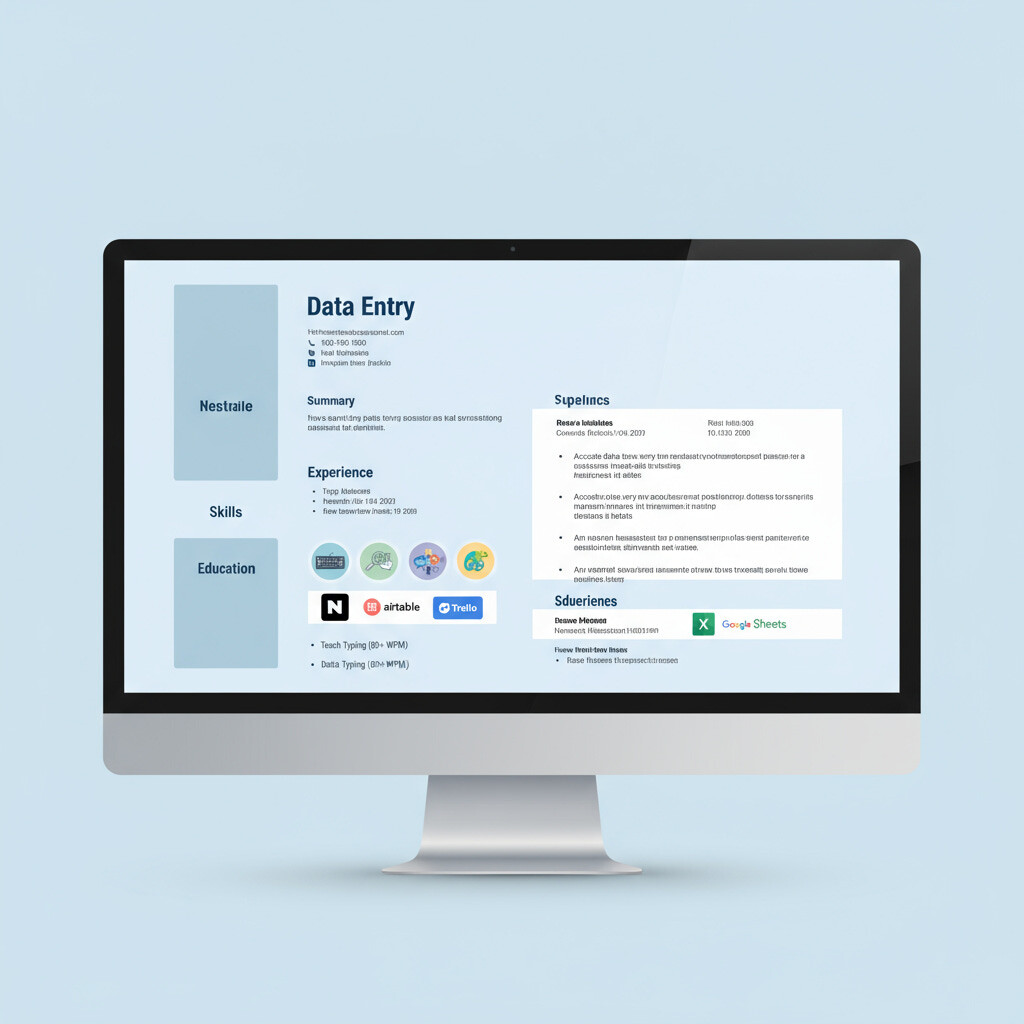
Here’s how to build a resume that gets noticed:
1. Start with a Strong Objective or Summary: Instead of a generic objective like “Seeking a data entry job,” write a powerful summary that highlights your key skills.
- Example: “Highly detail-oriented and motivated professional with a proven typing speed of 75 WPM and 99% accuracy. Seeking a remote data entry role to leverage strong proficiency in Microsoft Excel and data management to support team efficiency.”
2. Showcase Your Skills Section: This is one of the most important parts of your resume for data entry. Create a clear, bulleted list of your technical and soft skills.
- Technical Skills: Microsoft Excel, Google Sheets, Microsoft Access, CRM Software (e.g., Salesforce), Data Validation, Data Cleaning.
- Soft Skills: Attention to Detail, Time Management, Accuracy, Self-Motivation, Communication, Problem-Solving.
3. Use Action Verbs in Your Experience Section: Don’t just list your duties. Use action verbs to describe your accomplishments, even from non-data entry jobs.
- Instead of: “Entered data into spreadsheets.”
- Try: “Accurately transcribed and organized customer data into a new database, improving data retrieval efficiency by 15%.”
4. Quantify Your Achievements: If possible, use numbers to back up your claims. This provides concrete evidence of your skills.
- Example: “Processed over 500 documents per week with a 99.5% accuracy rate.” or “Reduced data entry time by 20% by creating and implementing new spreadsheet templates.”
5. Don’t Forget Formatting: Keep your resume clean, simple, and easy to read. Use a professional font and consistent formatting. Remember, your resume itself is a reflection of your attention to detail.
By following these tips, you can transform your resume from a simple list of jobs into a powerful marketing tool that will help you land the perfect remote data entry position.