Beyond the Basics: 5 Types of Remote Data Entry Jobs You Might Not Know About
When you hear “data entry,” you probably picture someone just typing numbers into a spreadsheet. While that’s a part of it, the field is much broader and offers a variety of roles that might align with your specific skills or interests.
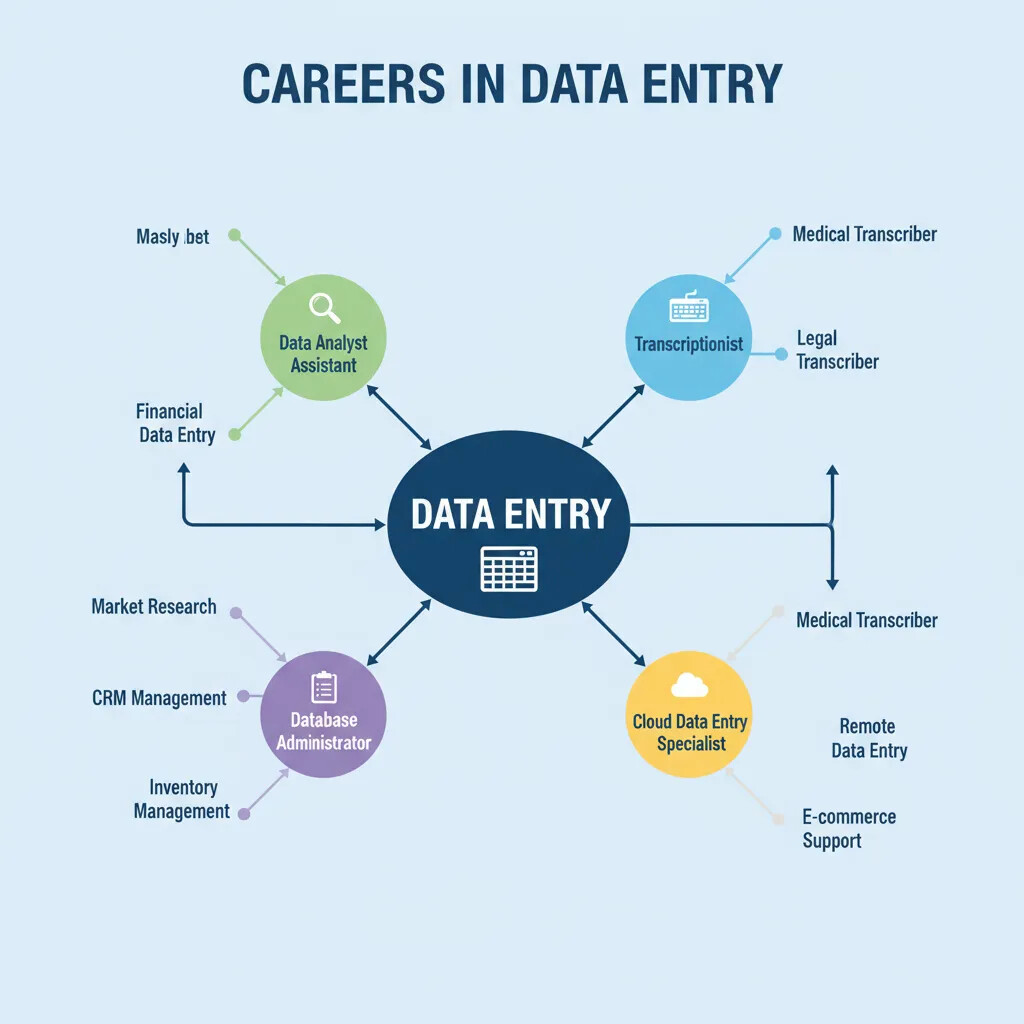
Here are five common types of remote data entry jobs you can find:
1. General Data Entry Clerk: This is the most common role. It involves transcribing data from one format to another, often from physical documents or images into a digital system. This is a great starting point for beginners.
2. Transcriptionist: This role focuses on converting audio or video files into written text. This requires excellent listening skills and a very high typing speed, as you’ll be typing as you listen. This type of work is common in the legal and medical fields.
3. Data Entry Specialist (Medical or Legal): These are specialized roles that require knowledge of a specific industry’s terminology. A medical data entry specialist, for example, might be responsible for inputting patient information or medical codes. These jobs often pay more but may require specific certifications or experience.
4. Data Analyst (Entry-Level): While this is a more advanced role, some entry-level positions focus on not just entering data but also analyzing it. If you enjoy working with numbers and finding patterns, this could be a great career path.
5. Remote Administrative Assistant: Many remote administrative roles include data entry as a core responsibility. These jobs are a great way to combine your data entry skills with other administrative tasks like scheduling, email management, and customer communication.
The world of remote work is full of opportunities. By exploring these different types of data entry jobs, you can find a niche that is both enjoyable and rewarding.